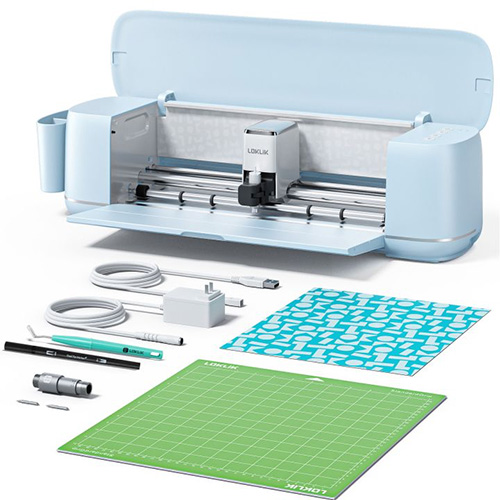
The LOKLiK cutting machines come with LOKLiK IdeaStudio software, but if you are looking for other compatible cutting software, then look no further, as Sure Cuts A Lot works with both the LOKLik Crafter and LOKLiK iCraft models.
To setup Sure Cuts a Lot with the LOKLik cutting machine, go to the Cutter menu -> My Cutter -> Manage Cutters and add LOKLik in the Manage My Cutters window. If you are using the Crafter model with the dual tool holder, choose CM1 as the model. If you are using the iCraft model with the single tool holder, choose iCraft as the model.

Connect your LOKLik cutting machine via USB to your computer and you are ready to cut from Sure Cuts A Lot to your LOKLiK cutting machine.
Please note, if the LOKLik IdeaStudio software is running at the same time as Sure Cuts a Lot, IdeaStudio may be blocking the connection from other software. So either choose to Disconnect the LOKLik cutter in IdeaStudio software, or simply close the IdeaStudio software if it is running while using Sure Cuts a Lot.


 Cart
Cart